


LogoHushgen
Pricing38% OFF
LogoHushgen
  • Home
  • Video
  • Text to Video
  • Image to Video
  • Reference to Video
  • Video Extend
  • Motion Control
  • Image
  • Text to Image
  • Image Edit
Models
  • Seedance 2.5HOT
  • Kling 4.0New
Library
  • My Creations
  • Plans & pricing
LogoHushgen

Seedance 2.5 AI Video Generator

Use Seedance 2.5 on Hushgen to turn a text prompt, an image or an existing clip into a 4–30 second video with generated audio, at 480p up to 4K.

  • Up to 30 seconds
  • 480p to 4K
  • Audio generated with video
  • 50 reference files
  1. Home
  2. /
  3. Seedance 2.5

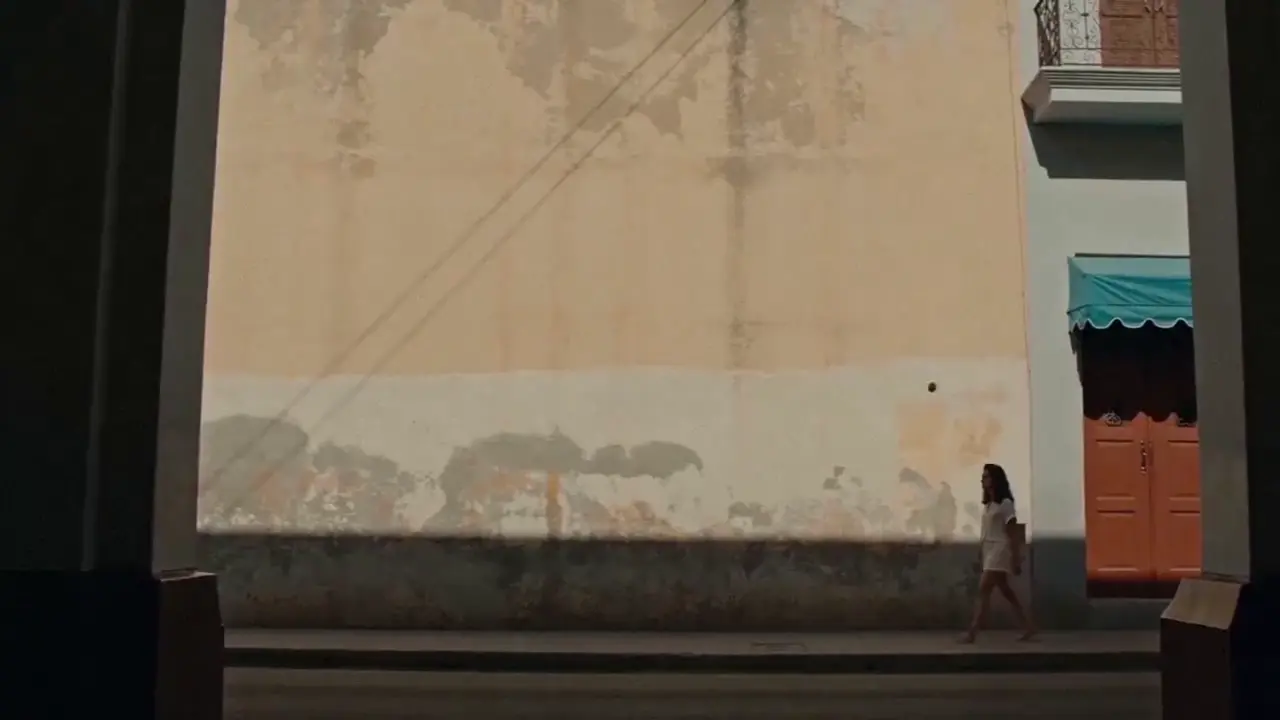
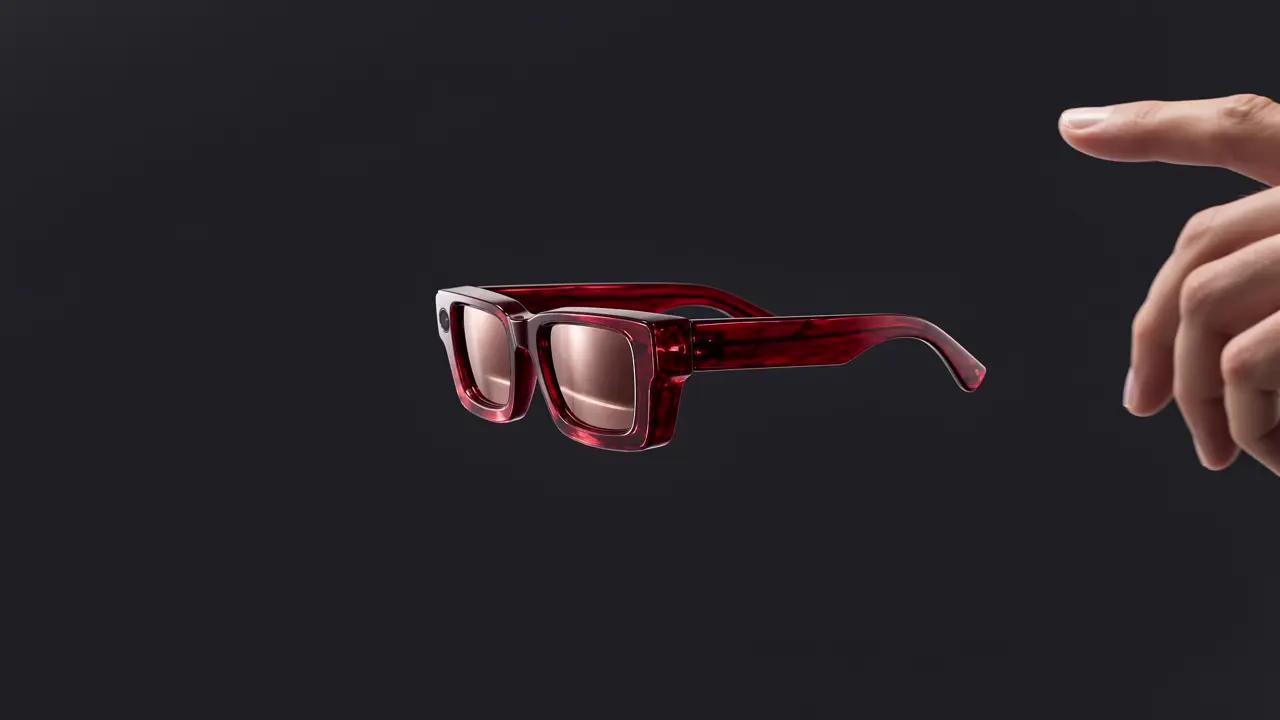
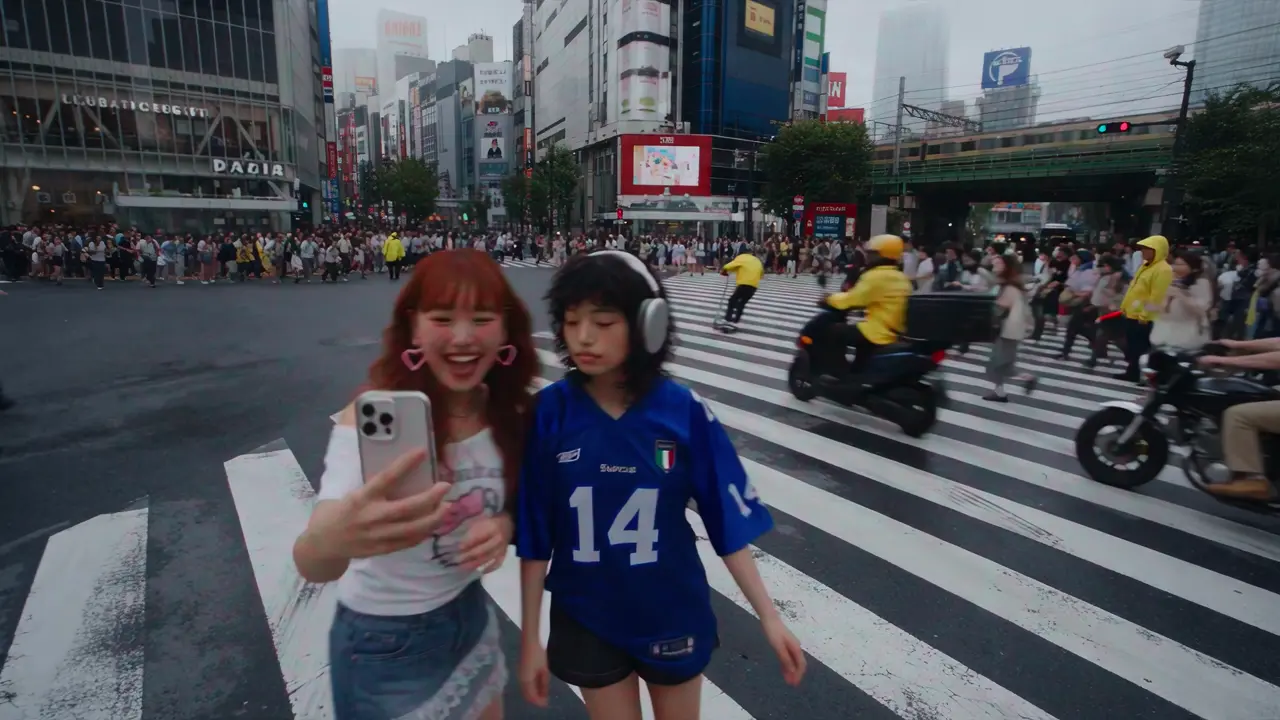
Seedance 2.5 sample videos

Official Seedance 2.5 clips in different lengths and aspect ratios. Hover to preview, select to watch with sound.

What is Seedance 2.5?

Seedance 2.5 is a video generation model developed by ByteDance and released on July 31, 2026. It generates a single continuous clip of up to 30 seconds, creates the audio together with the picture, and accepts up to 30 images, 10 video clips and 10 audio clips as references in one request.

one continuous take
30s
reference files (30 images, 10 videos, 10 audio)
50
highest resolution on Hushgen
4K
generated together with the picture
Audio

Three Hushgen tools

On Hushgen, Seedance 2.5 is available in three tools: Text to Video (a prompt, optionally with reference files), Image to Video (a first frame, optionally with a last frame) and Video Extend (continue an existing clip). You choose the duration, resolution and whether to generate audio, and the credit cost is shown before you generate.

One credit balance for every model

You do not need a ByteDance account to use Seedance 2.5 here. Hushgen credits work with Seedance 2.5 and with every other model on the site, including Kling 4.0, Veo 3.1 and Wan 2.7, so one plan covers several video models.

From ByteDance’s announcement
“Seedance 2.5 can generate high-quality, 30-second audio-video clips in a single pass.”
“up to 30 images, 10 video clips, and 10 audio clips as reference materials in a single pass.”

Source: ByteDance Seed: Introducing Seedance 2.5

Hushgen is an independent platform that provides Seedance 2.5 through licensed API services. Hushgen is not affiliated with or endorsed by ByteDance.

Seedance 2.5 at a glance

Updated 2026-10-22
Model
Seedance 2.5
Developer
ByteDance
Released
July 31, 2026
Output
MP4 video, with or without generated audio
Tools on Hushgen
Text to Video, Image to Video, Video Extend
Duration per generation
4 to 30 seconds
Resolution on Hushgen
480p, 720p, 1080p, 4K
Aspect ratios (Text to Video)
16:9, 9:16, 4:3, 3:4, 1:1, 21:9
Aspect ratio (Image to Video)
Follows the uploaded first frame
References (Text to Video)
Up to 30 images, 10 videos and 10 audio files
Account
Required to generate; credit-based pricing

Seedance 2.5 key features

What changes compared with earlier Seedance models, shown with official sample footage.

Official Seedance 2.5 sample

One continuous take of up to 30 seconds

Seedance 2.5 doubles the 15-second limit of Seedance 2.0. A reveal, a walk through a crowd or a full product demo can play out in a single shot, without stitching clips together.

  • Choose any length from 4 to 30 seconds
  • Same per-second price at every length
  • Continue past 30 seconds with Video Extend

Official Seedance 2.5 sample

Sound is generated with the picture

Dialogue, effects and ambience are created together with the video and stay in sync, including scenes where several characters speak.

  • Audio is on by default and can be turned off
  • No extra credits for audio
  • Write spoken lines in double quotes in the prompt

Official Seedance 2.5 sample

Vertical, widescreen or ultra-wide

In Text to Video, pick 16:9, 9:16, 4:3, 3:4, 1:1 or 21:9 before you generate. In Image to Video the clip keeps the shape of your first frame.

  • 9:16 for TikTok, Reels and Shorts
  • 16:9 for YouTube and presentations
  • 21:9 for cinematic shots

Official Seedance 2.5 sample

Keep products and characters consistent

Add up to 30 images, 10 videos and 10 audio files to a Text to Video request, so the product, character, motion or voice in the result matches your material.

  • Reference videos and audio up to 30 seconds each
  • Useful for product colorways and recurring characters
  • References are optional

First and last frame control

In Image to Video, the first image fixes how the clip starts and an optional second image fixes how it ends.

Shot-by-shot extension

Video Extend adds 4–30 seconds to an existing clip. Repeat it on the result to build a longer sequence.

Resolutions from 480p to 4K

Use 480p or 720p for drafts and 1080p or 4K for final delivery. Higher resolutions cost more credits per second.

What you can do with Seedance 2.5 on Hushgen

Seedance 2.5 runs in three Hushgen tools. Each one lists Seedance 2.5 in its model menu.

Text to Video

Describe a scene and Seedance 2.5 generates it. Add reference files to keep a character, product, motion or sound consistent with your material.

Open Text to Video

Image to Video

Animate a still photo, illustration or product shot. Add a last frame to control where the motion ends.

Open Image to Video

Video Extend

Continue a clip that ends too soon. Run it again on the result to build a longer sequence shot by shot.

Open Video Extend

Inputs and outputs

ToolYou provideYou get
Text to VideoA text prompt. Optional: up to 30 reference images, 10 reference videos and 10 reference audio files.A 4–30 second video at the resolution and aspect ratio you choose.
Image to VideoOne image used as the first frame and a text prompt. Optional: a second image used as the last frame.A 4–30 second video that starts from your image, in the same aspect ratio as the image.
Video ExtendAn existing video clip and a prompt describing what happens next.4–30 seconds of new footage that continues the clip.

How to make a Seedance 2.5 video

  1. 1

    Open a Seedance 2.5 tool

    Use the generator on this page, or open Text to Video, Image to Video or Video Extend. Seedance 2.5 is the default model in all three.

  2. 2

    Add your input

    Write a prompt. For Image to Video, upload the first frame and optionally a last frame. For Video Extend, upload the clip to continue. In Text to Video you can also add reference images, videos or audio.

  3. 3

    Choose the settings

    Pick a duration from 4 to 30 seconds, a resolution from 480p to 4K, an aspect ratio (Text to Video only) and whether to generate audio. The credit cost updates as you change settings.

  4. 4

    Generate the video

    Sign in and select Generate. Credits are deducted when the task starts and returned automatically if the generation fails.

  5. 5

    Preview and download

    Watch the result, download the MP4, or find it later in My Creations. You can extend it or regenerate with a changed prompt.

Seedance 2.5 prompt examples

Write prompts like a shot list: subject, action, camera, light and sound. Put spoken lines in double quotes.

30-second product commercial

Text to Video

30s · 1080p · 16:9 · audio on

A 30-second commercial for a matte black wireless speaker, one continuous shot. 0–8s: slow dolly in across a dark wooden desk at night, warm lamp light. 8–18s: the camera circles the speaker as it lights up and music starts. 18–30s: pull back to reveal a cozy living room, soft rain on the window. Sound: lo-fi music from the speaker, light rain.


Two-person dialogue scene

Text to Video

15s · 720p · 16:9 · audio on

A rainy night inside a small Tokyo noodle bar. An older chef wipes the counter and says, "You came back." A young woman in a wet coat sits down and replies, "I never left." Medium shots, warm neon light through steamed windows, quiet rain and kitchen sounds.

Vertical travel clip

Text to Video

10s · 1080p · 9:16 · audio on

Handheld selfie-style vertical video of a hiker reaching a snowy mountain ridge at sunrise. She turns the camera to reveal the valley below, wind in her hair, breath visible in the cold air. Natural wind sound and footsteps on snow.

Animate a product photo

Image to Video

First frame: your photo · 8s · 1080p

The camera slowly orbits the product while soft studio light sweeps across its surface. Small particles drift in the background. Keep the product shape, color and label exactly as in the image.

Seedance 2.5 pricing

Seedance 2.5 is billed in Hushgen credits per second of video. Credits are shared with every model and come with plans and credit packs.

Seedance 2.5 credits for Text to Video and Image to Video
ResolutionPer second5-second video10-second video30-second video
480p72 credits360 credits720 credits2,160 credits
720p144 credits720 credits1,440 credits4,320 credits
1080p360 credits1,800 credits3,600 credits10,800 credits
4K720 credits3,600 credits7,200 credits21,600 credits
  • Prices are the same for Text to Video and Image to Video, with or without generated audio.
  • With reference videos, Text to Video charges a lower per-second rate on the output length plus the length of the reference videos.
  • Video Extend charges the lower rate on the new seconds plus the length of the source clip, counted from 2 to 30 seconds.
  • The exact cost is always shown in the tool before you generate.
See plans and credit packs

Seedance 2.5 vs Seedance 2.0 on Hushgen

Both models are available on Hushgen. Choose by clip length, reference needs and budget.

FeatureSeedance 2.5Seedance 2.0
Duration per generation4–30 seconds4–15 seconds
References in Text to Video30 images, 10 videos, 10 audio9 images, 3 videos, 3 audio
Reference video / audio lengthUp to 30 seconds eachUp to 15 seconds each
Resolution on Hushgen480p – 4K480p – 4K
Image to Video aspect ratioFollows the imageSelectable
Dedicated Reference to Video toolNo (references are added in Text to Video)Yes
Video Extend4–30 seconds, up to 4K4–15 seconds, up to 1080p
Credits per second at 720p14496

Choose Seedance 2.5 when one take must run longer than 15 seconds, or when you need more than 9 reference images.

Choose Seedance 2.0 for shorter clips at a lower price, or when you want to set the aspect ratio in Image to Video.

Limitations

What Seedance 2.5 on Hushgen does not do, so you can decide whether it fits your project.

  • Each generation is 4 to 30 seconds. Longer videos need Video Extend, one segment at a time.
  • Aspect ratio is selectable in Text to Video only. In Image to Video it follows the uploaded image.
  • Reference files are supported in Text to Video. Image to Video uses a first frame and an optional last frame instead.
  • A fixed seed and negative prompts are not available for Seedance 2.5 on Hushgen, so the same prompt can give a different result each time.
  • ByteDance notes that complex physical motion and interactions between several subjects can still be unstable.
  • Reference images showing real people, and content that breaks our Acceptable Use Policy, may be rejected by moderation or by the model provider.
  • Hushgen does not currently offer a public API for Seedance 2.5. Generation runs in the web app.

Seedance 2.5 FAQ

What is Seedance 2.5?

Seedance 2.5 is a video generation model from ByteDance, released on July 31, 2026. It makes clips of up to 30 seconds with audio generated together with the picture, and accepts up to 30 images, 10 videos and 10 audio files as references.

Can I use Seedance 2.5 on Hushgen?

Yes. Seedance 2.5 is available in Hushgen’s Text to Video, Image to Video and Video Extend tools. You need a Hushgen account and credits to generate.

Is Hushgen the official Seedance website?

No. Hushgen is an independent platform that provides Seedance 2.5 through licensed API services. It is not affiliated with or endorsed by ByteDance.

What input does Seedance 2.5 need?

A text prompt in every tool. Image to Video also needs one image as the first frame and accepts an optional last frame. Video Extend needs the video clip to continue. Text to Video can take optional reference images, videos and audio.

What does Seedance 2.5 generate?

An MP4 video of 4 to 30 seconds at 480p, 720p, 1080p or 4K, with generated audio unless you turn audio off.

How long can a Seedance 2.5 video be?

Each generation is 4 to 30 seconds. To make a longer video, use Video Extend on the result to add further segments.

Does Seedance 2.5 generate sound?

Yes. Audio is generated with the video and stays in sync with it. You can turn it off in the tool; the price is the same either way.

How many reference files can I use?

In Text to Video, up to 30 images, 10 videos and 10 audio files per request. Reference videos and reference audio can each total up to 30 seconds.

How much does a Seedance 2.5 video cost on Hushgen?

Seedance 2.5 is billed in credits per second of video. A 5-second 720p clip costs 720 credits and a 30-second 4K clip costs 21,600 credits. The pricing table on this page lists other combinations, and the tool shows the exact cost before you generate.

What is the difference between Seedance 2.5 and Seedance 2.0?

Seedance 2.5 makes clips up to 30 seconds instead of 15 and accepts more references (30 images, 10 videos, 10 audio instead of 9, 3 and 3). Seedance 2.0 costs fewer credits per second and lets you choose the aspect ratio in Image to Video.

What kind of image works best for Image to Video?

A clear, well-lit image in the aspect ratio you want the video to have, with the main subject fully in frame. The video keeps the image’s aspect ratio.

Can I link to a prepared Seedance 2.5 generation?

Yes. Add parameters to this page’s URL to pre-fill the generator, for example /seedance-2-5?model=bytedance/seedance-2.5/text-to-video&duration=10&quality=1080p&prompt=A%20red%20fox%20in%20snow. Supported parameters are model, tab, duration, quality (480p, 720p or 1080p), audio=0 to turn audio off, and prompt. The user still reviews the settings and selects Generate.

Is there an API for Seedance 2.5 on Hushgen?

Not at the moment. Seedance 2.5 on Hushgen is used through the web app.

Last updated 2026-10-22 by the Hushgen team. Model information is based on the developer’s public announcement and on how Seedance 2.5 is configured on Hushgen. Sources: ByteDance Seed: Introducing Seedance 2.5.

Sample videos are official Seedance 2.5 demonstration clips. Seedance 2.5 is a trademark of its owner. Hushgen is an independent platform and is not affiliated with ByteDance. Disclaimer

More models on Hushgen

One credit balance works with all of them.

Video models

  • Kling 4.0

    Kuaishou

    30s clips with native audio and keyframes

  • Seedance 2.0

    ByteDance

    15s clips up to 4K with references

  • Veo 3.1

    Google

    Cinematic 8s shots up to 4K

  • Kling 3.0

    Kuaishou

    15s clips and motion control

  • Wan 2.7

    Alibaba

    15s clips, references and extend

Image models

  • Nano Banana Pro

    Google

    4K images and precise edits

  • Seedream 5.0 Lite

    ByteDance

    2K to 4K images and edits

  • GPT Image 2

    OpenAI

    4K images and edits

  • FLUX Dev

    Black Forest Labs

    Fast, low-cost 1K drafts

Models are provided by their developers through licensed API services. Hushgen is an independent platform; model names belong to their respective owners. Disclaimer

LogoHushgen

Empowering creators with AI.

[email protected]
Product
  • Features
  • Pricing
  • FAQ
Legal
  • Cookie Policy
  • Privacy Policy
  • Terms of Service
  • Acceptable Use Policy
  • Content Moderation Policy
  • Refund Policy
  • Disclaimer
AI Tools
  • Text to Image
  • Image Edit
  • Text to Video
  • My Creations
Support
  • About Us
  • Contact Us
  • [email protected]
  • FAQ
© 2026 Hong Kong Nan Yao International Co., Limited. All rights reserved.

Hushgen is an independent third-party platform and is not affiliated with, endorsed by, or sponsored by ByteDance, Alibaba, Google, Kuaishou, OpenAI or any other model provider. Model names and trademarks belong to their respective owners. Disclaimer

Home
Creations