



LogoHushgen
Pricing38% OFF
LogoHushgen
  • Home
  • Video
  • Text to Video
  • Image to Video
  • Reference to Video
  • Video Extend
  • Motion Control
  • Image
  • Text to Image
  • Image Edit
Models
  • Seedance 2.5HOT
  • Kling 4.0New
Library
  • My Creations
  • Plans & pricing
LogoHushgen

Kling 4.0 AI Video Generator

Use Kling 4.0 on Hushgen to turn a text prompt, an image with keyframes, reference files or an existing clip into a 3–30 second video with native audio, at 720p or 1080p. No separate Kling AI subscription needed.

  • Up to 30 seconds
  • Native audio & lip sync
  • Up to 10 keyframes
  • 15 reference files
  1. Home
  2. /
  3. Kling 4.0

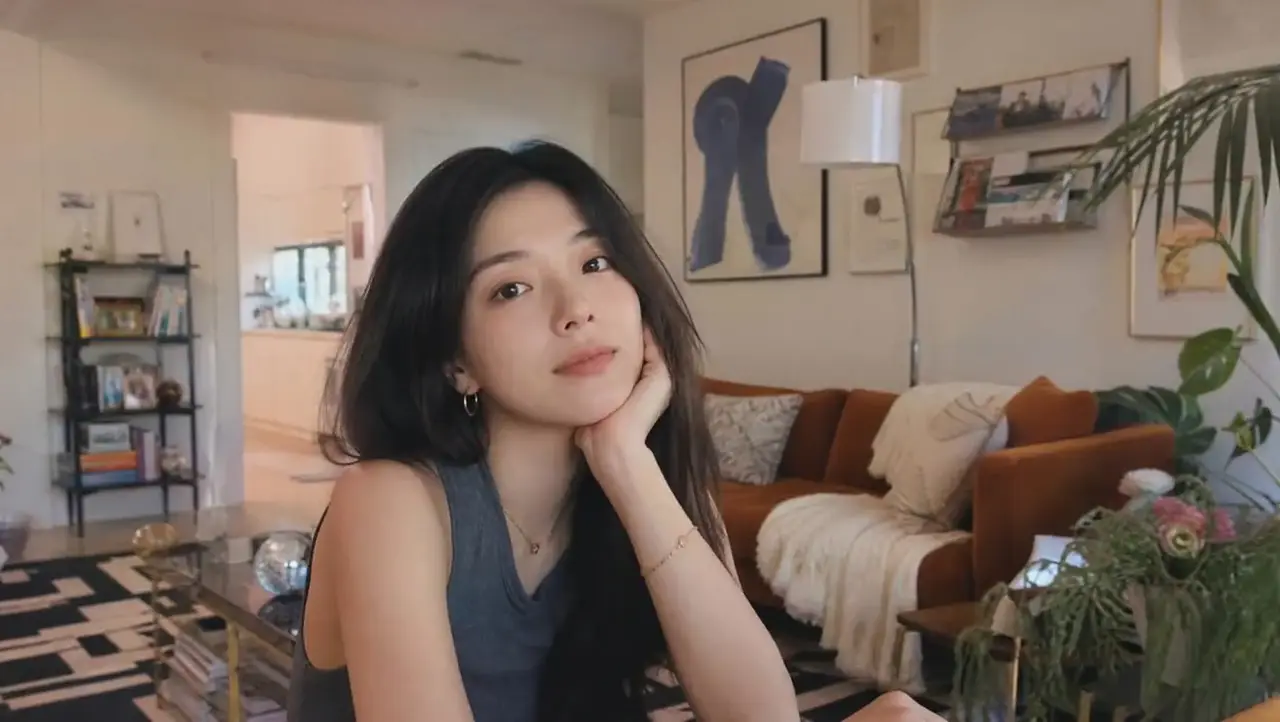
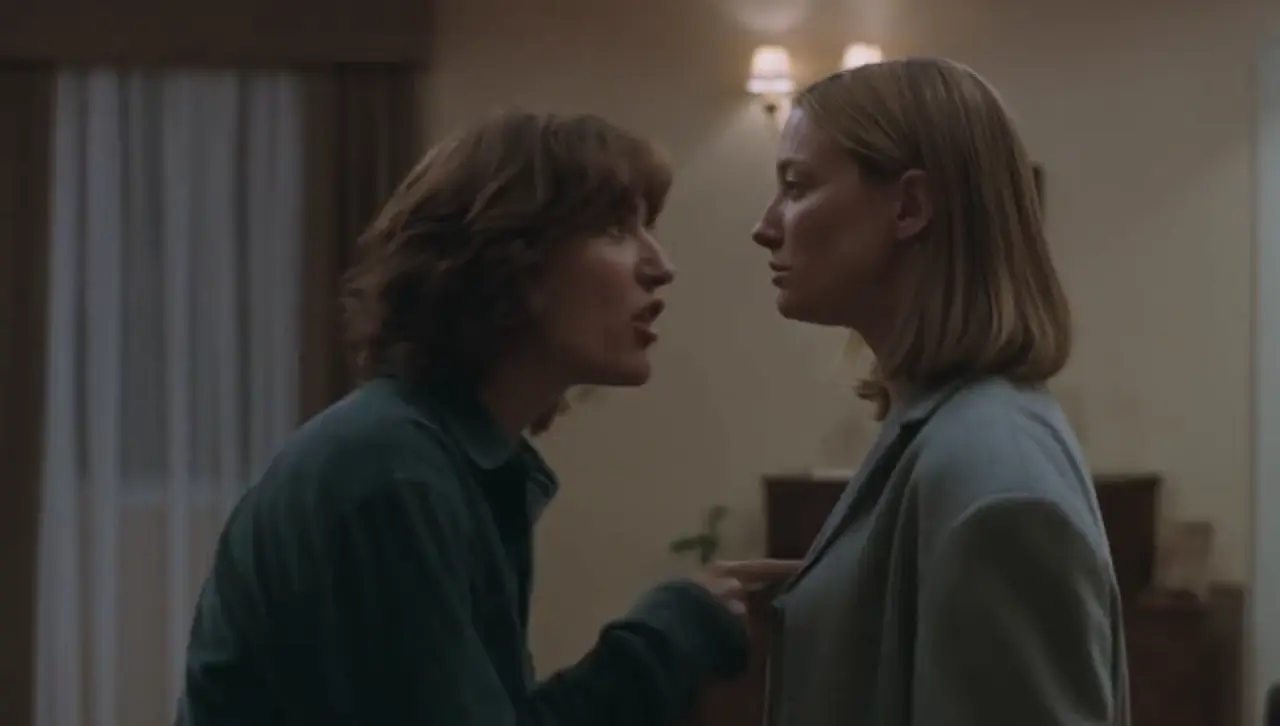
Kling 4.0 sample videos

Official Kling 4.0 clips in different lengths and aspect ratios. Hover to preview, select to watch with sound.

What is Kling 4.0?

Kling 4.0 is a video generation model developed by Kuaishou for its Kling AI product, announced on September 28, 2026 and launched on October 15, 2026. It generates a single continuous clip of up to 30 seconds, creates synchronized audio and lip sync together with the picture, and accepts up to 15 reference files and up to 10 keyframe images in one request.

one continuous take
30s
reference files per request
15
keyframe images in Image to Video
10
highest resolution on Hushgen
1080p

Four Hushgen tools

On Hushgen, Kling 4.0 is available in four tools: Text to Video (a prompt), Image to Video (a first frame, an optional last frame and keyframes), Reference to Video (up to 10 images, 5 videos and 3 audio files) and Video Extend (continue an existing clip). Every tool outputs 3 to 30 seconds at 720p or 1080p, and the credit cost is shown before you generate.

No Kling AI subscription needed

You do not need a Kling AI account or subscription to use Kling 4.0 here. Hushgen credits work with Kling 4.0 and with every other model on the site, including Seedance 2.5, Veo 3.1 and Wan 2.7, so one plan covers several video models.

From Kuaishou’s announcement
“native generation of up to 30 seconds in a single pass, supporting long takes and continuous storytelling”
“combinations of up to 15 reference assets and up to 10 keyframe inputs”

Source: Kuaishou: Kling AI Officially Launches Kling 4.0 (October 19, 2026)

Hushgen is an independent platform that provides Kling 4.0 through licensed API services. Hushgen is not affiliated with or endorsed by Kuaishou or Kling AI.

Kling 4.0 at a glance

Updated 2026-10-23
Model
Kling 4.0
Developer
Kuaishou (Kling AI)
Released
October 15, 2026 (announced September 28, 2026)
Output
MP4 video with native audio
Tools on Hushgen
Text to Video, Image to Video, Reference to Video, Video Extend
Duration per generation
3 to 30 seconds, any whole second
Resolution on Hushgen
720p, 1080p
Aspect ratios
16:9, 9:16, 1:1, 21:9
Keyframes (Image to Video)
First frame + optional last frame + keyframes, up to 10 images
References (Reference to Video)
Up to 10 images, 5 videos, 3 audio files; 15 files in total
Price on Hushgen
62.8 credits/s at 720p, 94 credits/s at 1080p
Account
Hushgen account required; no Kling AI subscription

Kling 4.0 key features

What changes compared with Kling 3.0, shown with official Kling 4.0 sample footage. Select a clip to watch it with sound.

Official Kling 4.0 sample

One continuous take of up to 30 seconds

Kling 4.0 generates up to 30 seconds in a single pass, twice the 15-second limit of Kling 3.0. A full song verse, a dialogue scene or a product demo can play out in one shot without stitching clips together.

  • Choose any whole second from 3 to 30
  • Same per-second price at every length
  • Continue past 30 seconds with Video Extend

Official Kling 4.0 sample

Native audio, dialogue and lip sync

Speech, sound effects and ambience are generated together with the video. Kuaishou describes the audio as dual-channel stereo with more accurate lip sync than earlier Kling models.

  • Audio is included in every Kling 4.0 generation at no extra cost
  • Write spoken lines in double quotes and name the language
  • Reference to Video can keep the original sound of reference clips

Official Kling 4.0 sample

Large, fast motion that stays stable

Kuaishou’s launch announcement highlights steadier large-scale motion and smoother continuity in high-speed action and complex camera moves, including the new 21:9 ultra-wide format.

  • Fights, chases and crowd scenes hold together over long takes
  • Big camera moves such as orbits and fast push-ins
  • 21:9 for cinematic shots, 9:16 for Reels, TikTok and Shorts

Official Kling 4.0 sample

Up to 10 keyframes in Image to Video

Upload a first frame, an optional last frame and keyframe images in between, up to 10 images in total. Kling 4.0 animates through them in order, so you decide where the shot starts, what happens in the middle and where it ends.

  • JPG or PNG images
  • Aspect ratio follows your first frame unless you choose one
  • Prompt is optional when the frames tell the story

Official Kling 4.0 sample

Consistent characters with reference files

Reference to Video accepts up to 10 images, 5 videos and 3 audio files, 15 files at most. Use them to keep a person, a product, a camera move or a voice consistent across several generations.

  • Several characters from separate reference images in one scene
  • Reference videos are used for up to 30 seconds in total
  • References are optional; a prompt alone also works

Realistic small expressions

Glances, hesitations and natural body language come through on camera, which helps for drama scenes, UGC-style ads and vlogs.

Shot-by-shot extension

Video Extend adds 3–30 seconds to an existing clip, with an optional target last frame. Only the new seconds are billed.

720p for drafts, 1080p for delivery

Test ideas at 720p (62.8 credits per second), then render the final version at 1080p (94 credits per second).

What you can do with Kling 4.0 on Hushgen

Kling 4.0 runs in four Hushgen tools. Each one lists Kling 4.0 in its model menu.

Text to Video

Describe a scene, the camera and the dialogue, and Kling 4.0 generates the picture and the sound together in one take.

Open Text to Video

Image to Video

Animate a photo, illustration or product shot. Add a last frame and keyframes to control how the motion unfolds over up to 30 seconds.

Open Image to Video

Reference to Video

Keep the same people, products and look across shots by giving Kling 4.0 reference images, clips and audio.

Open Reference to Video

Video Extend

Continue a clip that ends too soon. Run it again on the result to build a longer sequence shot by shot.

Open Video Extend

Inputs and outputs

ToolYou provideYou get
Text to VideoA text prompt. Spoken lines can be written in double quotes.A 3–30 second video with native audio, in 16:9, 9:16, 1:1 or 21:9, at 720p or 1080p.
Image to VideoOne JPG or PNG image as the first frame. Optional: a prompt, a last-frame image and keyframe images (up to 10 images in total).A 3–30 second video that starts from your image and passes through your keyframes, with native audio.
Reference to VideoA prompt plus optional references: up to 10 images, 5 videos (30 seconds in total) and 3 audio files (5–30 seconds each), 15 files at most.A 3–30 second video that keeps the characters, products, motion or sound from your references.
Video ExtendAn existing video clip and a prompt describing what happens next. Optional: a target last-frame image.3–30 seconds of new footage with audio that continues the clip.

How to make a Kling 4.0 video

  1. 1

    Open a Kling 4.0 tool

    Use the generator at the top of this page, which opens with Kling 4.0 selected, or open Text to Video, Image to Video, Reference to Video or Video Extend and choose Kling 4.0 in the model menu.

  2. 2

    Add your input

    Write a prompt. For Image to Video, upload a JPG or PNG first frame and, if you want, a last frame and keyframes. For Reference to Video, add reference images, videos or audio. For Video Extend, upload the clip to continue.

  3. 3

    Choose the settings

    Pick a duration from 3 to 30 seconds, 720p or 1080p, and an aspect ratio (16:9, 9:16, 1:1 or 21:9). The credit cost updates as you change settings.

  4. 4

    Generate the video

    Sign in and select Generate. Credits are deducted when the task starts and returned automatically if the generation fails.

  5. 5

    Preview and download

    Watch the result with sound, download the MP4, or find it later in My Creations. Extend it with Video Extend or regenerate with a changed prompt.

Kling 4.0 prompt examples

Write prompts like a shot list: subject, action, camera, light and sound. Put spoken lines in double quotes.

30-second product commercial with voice-over

Text to Video

30s · 1080p · 16:9

A 30-second commercial for a matte white espresso machine, one continuous shot. 0–10s: slow push-in across a sunlit kitchen counter at morning. 10–20s: the camera circles the machine as coffee pours into a glass cup, steam rising. 20–30s: pull back to a woman taking the first sip and smiling. Warm female voice-over in English: "Your morning, made properly." Sound: soft acoustic guitar, the hiss of the steam wand, birds outside.


Two-person dialogue scene

Text to Video

15s · 720p · 16:9

Night, inside a small diner with neon light through rain-streaked windows. A tired waitress refills a cup and says, "You always order the same thing." The man at the counter looks up and answers, "Because it’s the only thing that never changes." Medium shots, shallow depth of field, rain and quiet jukebox music in the background. They speak American English.

Vertical vlog-style clip

Text to Video

10s · 1080p · 9:16

A handheld vertical selfie video. A young man in a gym hoodie walks out of a train station into a busy city street, turns the camera to show the skyline and says, "Day one in Tokyo, let’s go." Natural daylight, realistic phone-camera look, street ambience and footsteps.

Keyframe-controlled action shot

Image to Video

First frame + last frame + 2 keyframes · 20s · 1080p · 21:9

A red sports car races along a coastal road at dusk, passing through each keyframe in order. The camera tracks alongside at speed, then rises above the car for the final frame. Keep the car’s shape and color exactly as in the images. Engine roar, wind and waves.

Kling 4.0 pricing

Kling 4.0 is billed in Hushgen credits per second of video. Credits are shared with every model and come with plans and credit packs.

Kling 4.0 credits for Text to Video and Image to Video
ResolutionPer second5-second video10-second video30-second video
720p63 credits314 credits628 credits1,884 credits
1080p94 credits470 credits940 credits2,820 credits
  • Kling 4.0 costs 62.8 credits per second at 720p and 94 at 1080p, rounded up per video. Audio is included.
  • Prices are the same in Text to Video, Image to Video and Reference to Video without reference videos.
  • With reference videos, Reference to Video charges a lower per-second rate on the output length plus the longer of the output or the reference videos. Example: a 10-second 720p video with a 10-second reference clip costs 752 credits.
  • Video Extend charges only for the new seconds it generates.
  • New accounts get 50 free credits to try Hushgen; a Kling 4.0 video starts at 189 credits (3 seconds, 720p), so you need a plan or credit pack to generate one.
See plans and credit packs

Kling 4.0 vs Kling 3.0 on Hushgen

Both models are available on Hushgen. Choose by clip length, control and budget.

FeatureKling 4.0Kling 3.0
Duration per generation3–30 seconds (any whole second)3, 5, 10 or 15 seconds
Resolution on Hushgen720p, 1080p720p
Aspect ratios16:9, 9:16, 1:1, 21:916:9, 9:16, 1:1
AudioAlways generated, included in priceOptional sound (+50% credits)
Keyframes in Image to VideoUp to 10 images in totalFirst frame + optional last frame
Reference to VideoYes, up to 15 filesNo
Video ExtendYes, 3–30 secondsNo
Motion ControlNoYes
10-second 720p video628 credits336 credits (504 with sound)

Choose Kling 4.0 for takes longer than 15 seconds, dialogue with lip sync, 1080p output, keyframe control or reference files.

Choose Kling 3.0 for short, low-cost clips at 720p, or when you need Motion Control to copy movement from a reference video.

Limitations

What Kling 4.0 on Hushgen does not do, so you can decide whether it fits your project.

  • Each generation is 3 to 30 seconds. Longer videos need Video Extend, one segment at a time.
  • On Hushgen, Kling 4.0 outputs 720p or 1080p. The 4K and 10-bit HDR output mentioned in Kling’s release note is not available here.
  • Audio is always generated with Kling 4.0 on Hushgen; there is no option to turn it off. You can mute or replace it after download.
  • Kling 4.0 Flash, the faster variant Kling announced separately, is not offered on Hushgen.
  • Image to Video accepts JPG and PNG images only (no WebP or HEIC).
  • A fixed seed and negative prompts are not available for Kling 4.0 on Hushgen, so the same prompt can give a different result each time.
  • Reference images showing real people, and content that breaks our Acceptable Use Policy, may be rejected by moderation or by the model provider.
  • Hushgen does not currently offer a public API for Kling 4.0. Generation runs in the web app.

Kling 4.0 FAQ

What is Kling 4.0?

Kling 4.0 is a video generation model developed by Kuaishou for Kling AI, launched on October 15, 2026. It generates clips of up to 30 seconds in one pass with native audio and lip sync, and supports up to 15 reference files and up to 10 keyframes.

Where can I use Kling 4.0 online?

You can use Kling 4.0 on Hushgen, directly in the browser, in four tools: Text to Video, Image to Video, Reference to Video and Video Extend. The generator at the top of this page opens with Kling 4.0 already selected. Kling 4.0 is also available on Kuaishou’s own Kling AI website and through other platforms that license it.

Do I need a Kling AI subscription to use Kling 4.0 on Hushgen?

No. Hushgen bills Kling 4.0 in its own credits, so you only need a Hushgen account and credits. You do not need a Kling AI account, membership or API key.

Is Hushgen the official Kling website?

No. Hushgen is an independent platform that provides Kling 4.0 through licensed API services. It is not affiliated with or endorsed by Kuaishou or Kling AI.

How much does Kling 4.0 cost on Hushgen?

Kling 4.0 costs 62.8 credits per second at 720p and 94 credits per second at 1080p, with audio included. A 5-second 720p clip costs 314 credits, a 10-second 1080p clip 940 credits and a 30-second 1080p clip 2,820 credits. Credits come with monthly or yearly plans and one-time credit packs, listed on the pricing page.

Can I try Kling 4.0 before subscribing?

New Hushgen accounts receive 50 free credits. That is not enough for a Kling 4.0 video, which starts at 189 credits for 3 seconds at 720p, but you can watch the official samples on this page and buy a one-time credit pack instead of a subscription.

Can I use Kling 4.0 and other video models with one subscription?

Yes. Hushgen credits work with every model on the site, including Kling 4.0, Kling 3.0, Seedance 2.5, Seedance 2.0, Veo 3.1 and Wan 2.7, so you can compare models without separate subscriptions.

Can Kling 4.0 generate 30-second videos?

Yes. Kling 4.0 generates 3 to 30 seconds in a single pass, in any whole second. To go beyond 30 seconds, use Video Extend on the result.

Does Kling 4.0 generate sound and lip sync?

Yes. Every Kling 4.0 video on Hushgen includes audio generated with the picture, including dialogue with lip sync, sound effects and ambience. Put spoken lines in double quotes and say which language or accent to use.

What input does Kling 4.0 need?

A prompt in Text to Video. Image to Video needs a JPG or PNG first frame and accepts an optional last frame and keyframes (10 images in total). Reference to Video takes a prompt and up to 10 images, 5 videos and 3 audio files. Video Extend needs the clip to continue.

Does Kling 4.0 on Hushgen support 4K or HDR?

No. Kling 4.0 on Hushgen outputs 720p or 1080p MP4. Kling’s release note mentions 4K and 10-bit HDR, but those are not available on Hushgen.

What is the difference between Kling 4.0 and Kling 3.0?

Kling 4.0 makes clips up to 30 seconds instead of 15, outputs 1080p as well as 720p, always generates audio, adds 21:9, up to 10 keyframes, Reference to Video and Video Extend. Kling 3.0 is cheaper per clip (a 10-second 720p clip costs 336 credits versus 628) and supports Motion Control.

What is the difference between Kling 4.0 and Kling 4.0 Flash?

Kling 4.0 Flash is a faster variant that Kling released to a limited group before the full model. Hushgen offers the full Kling 4.0 model only.

Can I link to a prepared Kling 4.0 generation?

Yes. Add parameters to this page’s URL to pre-fill the generator, for example /kling-4-0?model=kwaivgi/kling-v4.0/text-to-video&duration=10&quality=1080p&prompt=A%20red%20fox%20in%20snow. Supported parameters are model, tab, duration (3–30), quality (720p or 1080p) and prompt. The user still reviews the settings and selects Generate.

Is there an API for Kling 4.0 on Hushgen?

Not at the moment. Kling 4.0 on Hushgen is used through the web app.

Last updated 2026-10-23 by the Hushgen team. Model information is based on the developer’s public announcement and on how Kling 4.0 is configured on Hushgen. Sources: Kuaishou: Kling AI Officially Launches Kling 4.0 (October 19, 2026).

Sample videos are official Kling 4.0 demonstration clips. Kling 4.0 is a trademark of its owner. Hushgen is an independent platform and is not affiliated with Kuaishou. Disclaimer

More models on Hushgen

One credit balance works with all of them.

Video models

  • Kling 4.0

    Kuaishou

    30s clips with native audio and keyframes

  • Seedance 2.0

    ByteDance

    15s clips up to 4K with references

  • Veo 3.1

    Google

    Cinematic 8s shots up to 4K

  • Kling 3.0

    Kuaishou

    15s clips and motion control

  • Wan 2.7

    Alibaba

    15s clips, references and extend

Image models

  • Nano Banana Pro

    Google

    4K images and precise edits

  • Seedream 5.0 Lite

    ByteDance

    2K to 4K images and edits

  • GPT Image 2

    OpenAI

    4K images and edits

  • FLUX Dev

    Black Forest Labs

    Fast, low-cost 1K drafts

Models are provided by their developers through licensed API services. Hushgen is an independent platform; model names belong to their respective owners. Disclaimer

LogoHushgen

Empowering creators with AI.

[email protected]
Product
  • Features
  • Pricing
  • FAQ
Legal
  • Cookie Policy
  • Privacy Policy
  • Terms of Service
  • Acceptable Use Policy
  • Content Moderation Policy
  • Refund Policy
  • Disclaimer
AI Tools
  • Text to Image
  • Image Edit
  • Text to Video
  • My Creations
Support
  • About Us
  • Contact Us
  • [email protected]
  • FAQ
© 2026 Hong Kong Nan Yao International Co., Limited. All rights reserved.

Hushgen is an independent third-party platform and is not affiliated with, endorsed by, or sponsored by ByteDance, Alibaba, Google, Kuaishou, OpenAI or any other model provider. Model names and trademarks belong to their respective owners. Disclaimer

Home
Creations