





Video
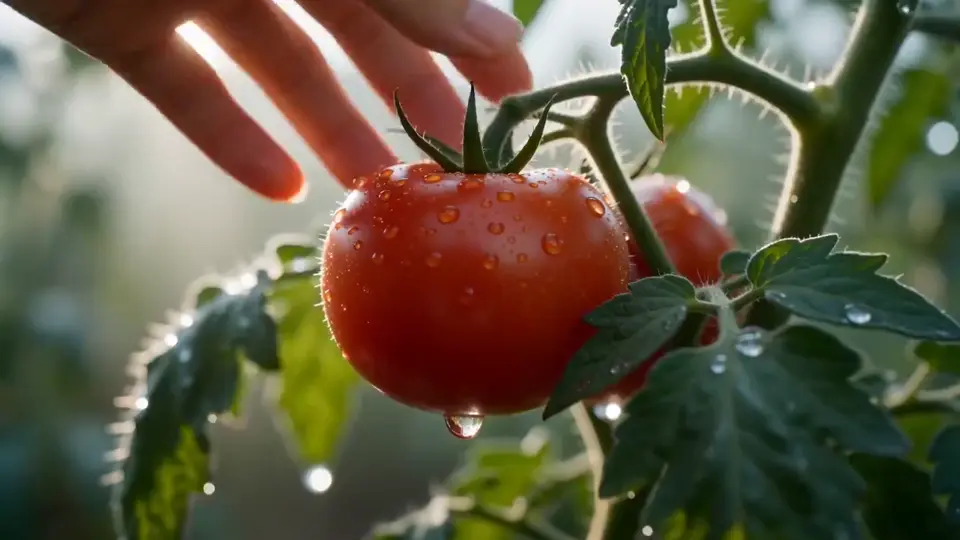
Image to Video
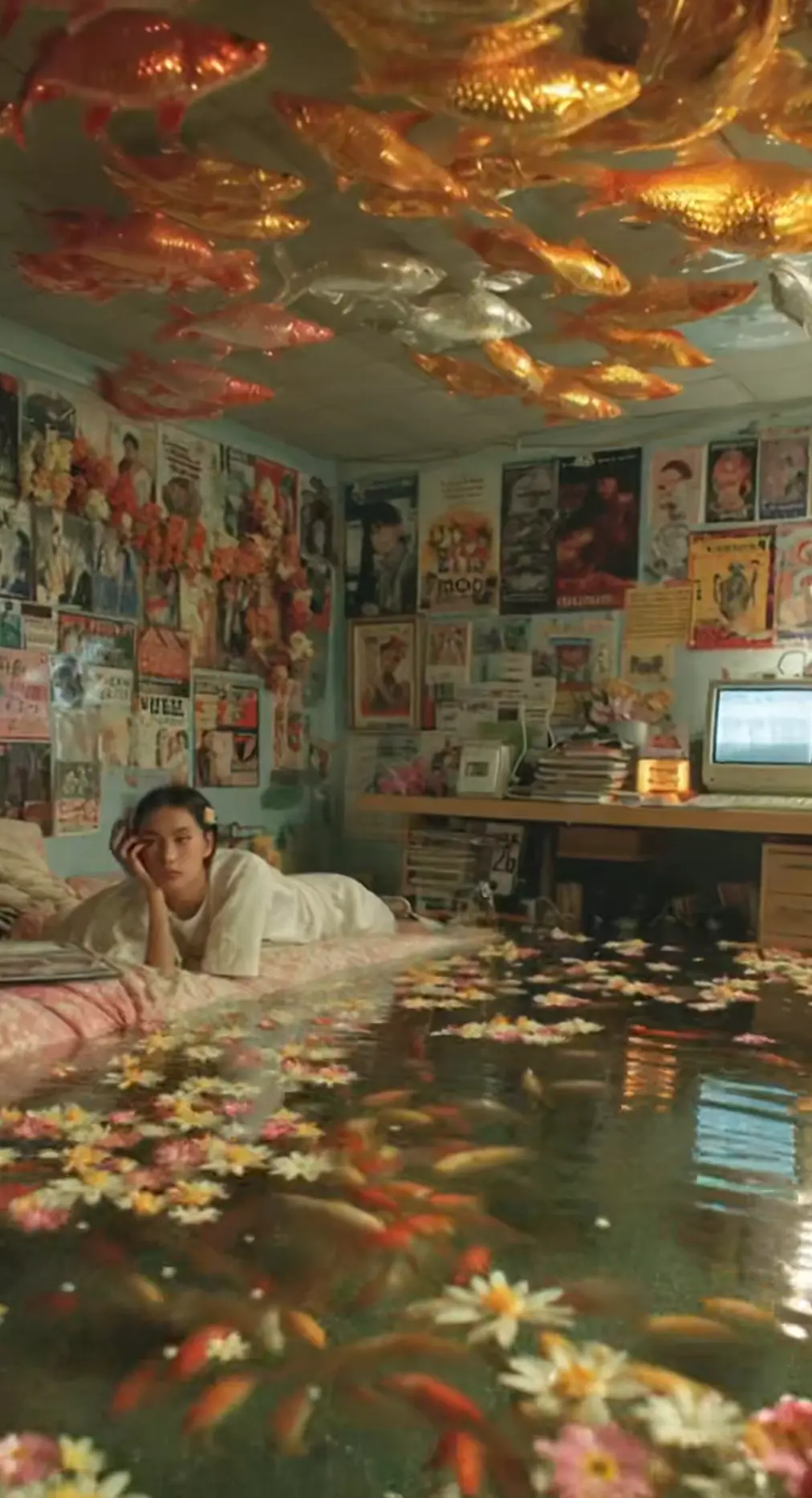
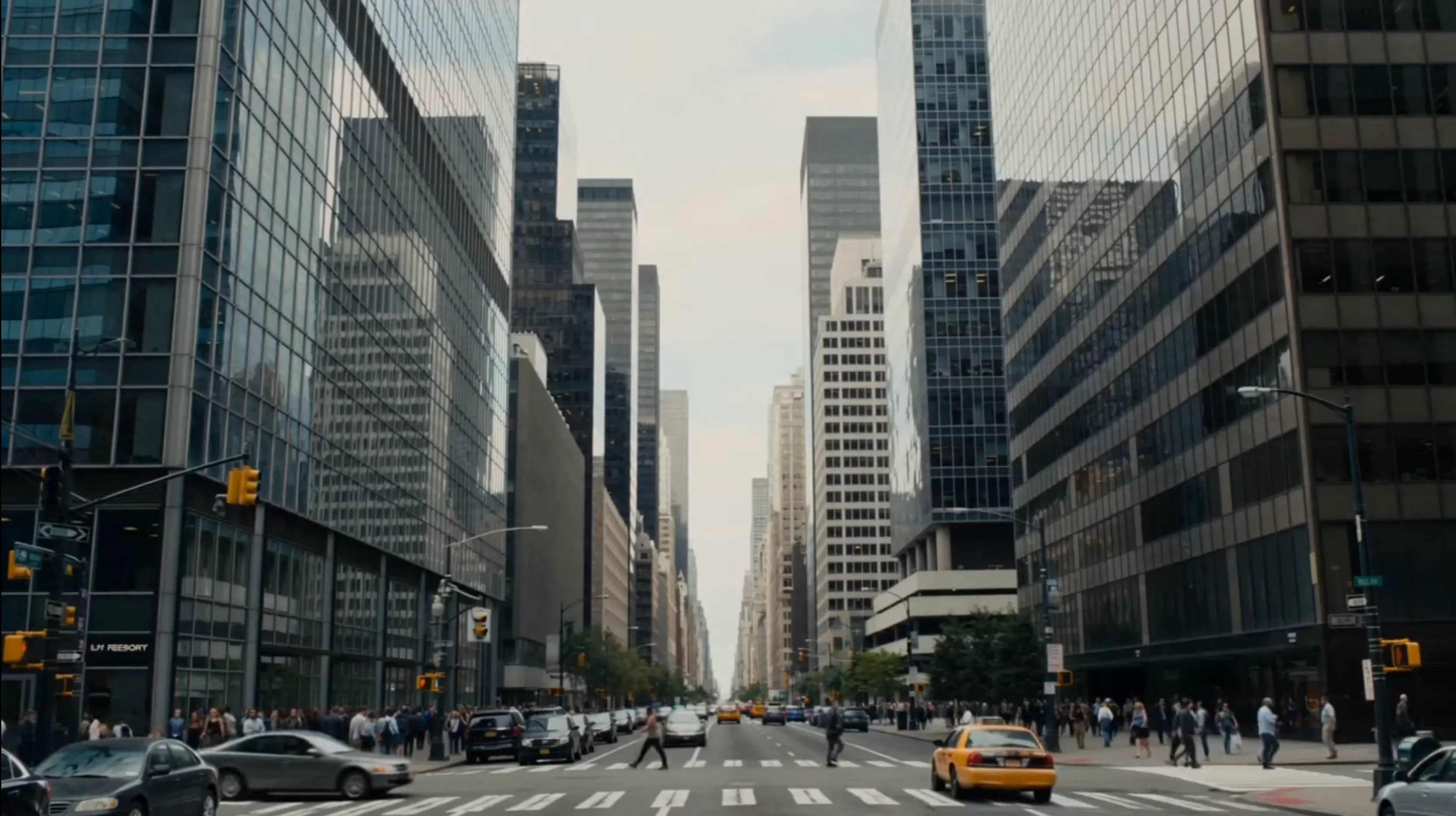
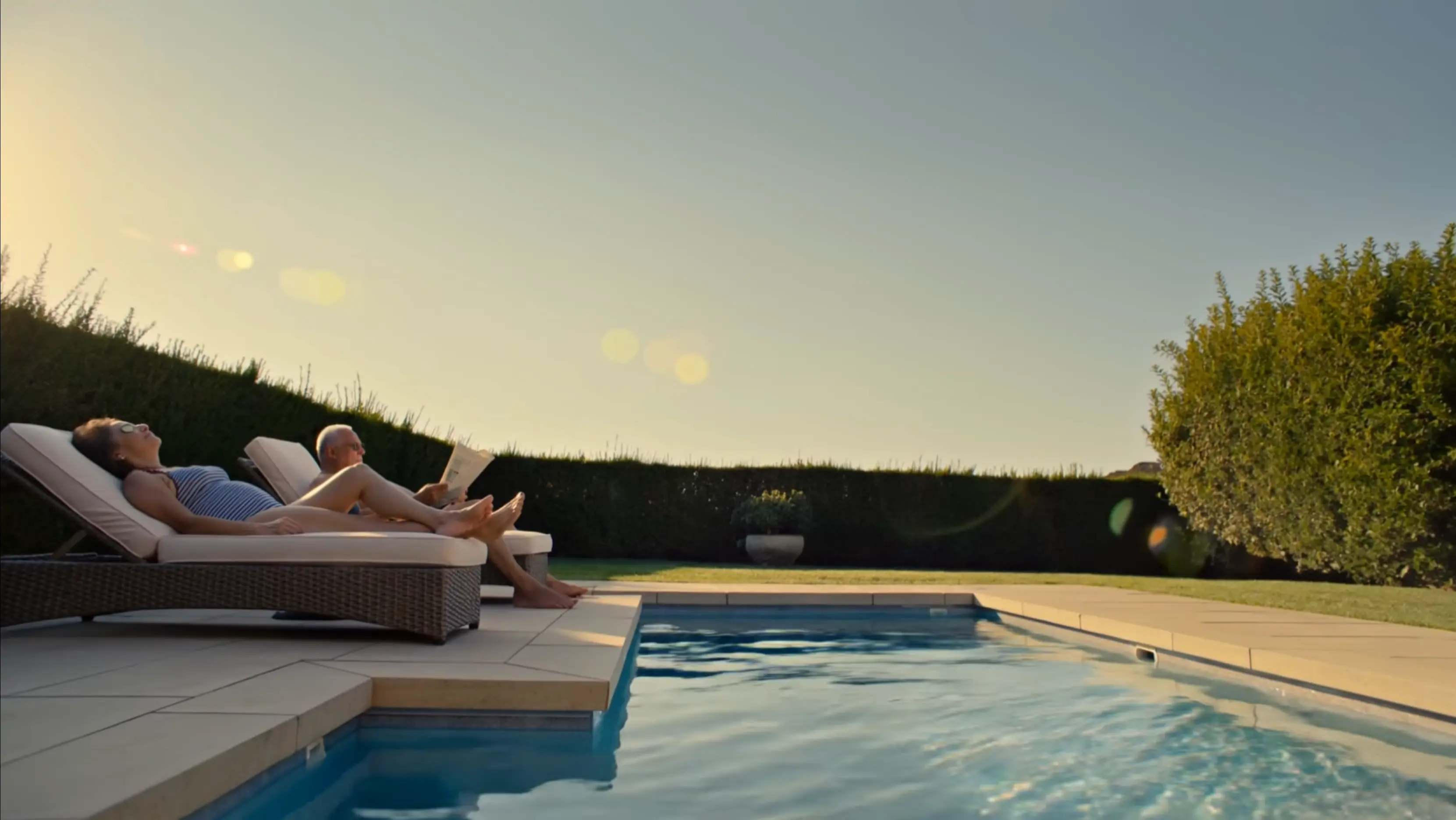
Start from one still frame and let a video model add movement, camera motion and atmosphere while your image keeps the look consistent.
Try Now Hushgen
Describe what you want to see — subject, style, lighting, composition — and supported image models such as Seedream generate artwork or photorealistic images.
One credit balance works with all of them.
Video models
Models are provided by their developers through licensed API services. Hushgen is an independent platform; model names belong to their respective owners. Disclaimer
AI Tools
Switch to another tool any time. Each one lets you pick from several AI models and uses the same credits.
Start from one still frame and let a video model add movement, camera motion and atmosphere while your image keeps the look consistent.
Try NowDescribe a scene in a sentence or a short script and get back a clip you can refine shot by shot.
Try NowUpload reference images or clips to pin down a character, product or visual style before the model starts generating.
Try NowPick up where a clip ends and add the next few seconds with the same subject, framing and mood.
Try Now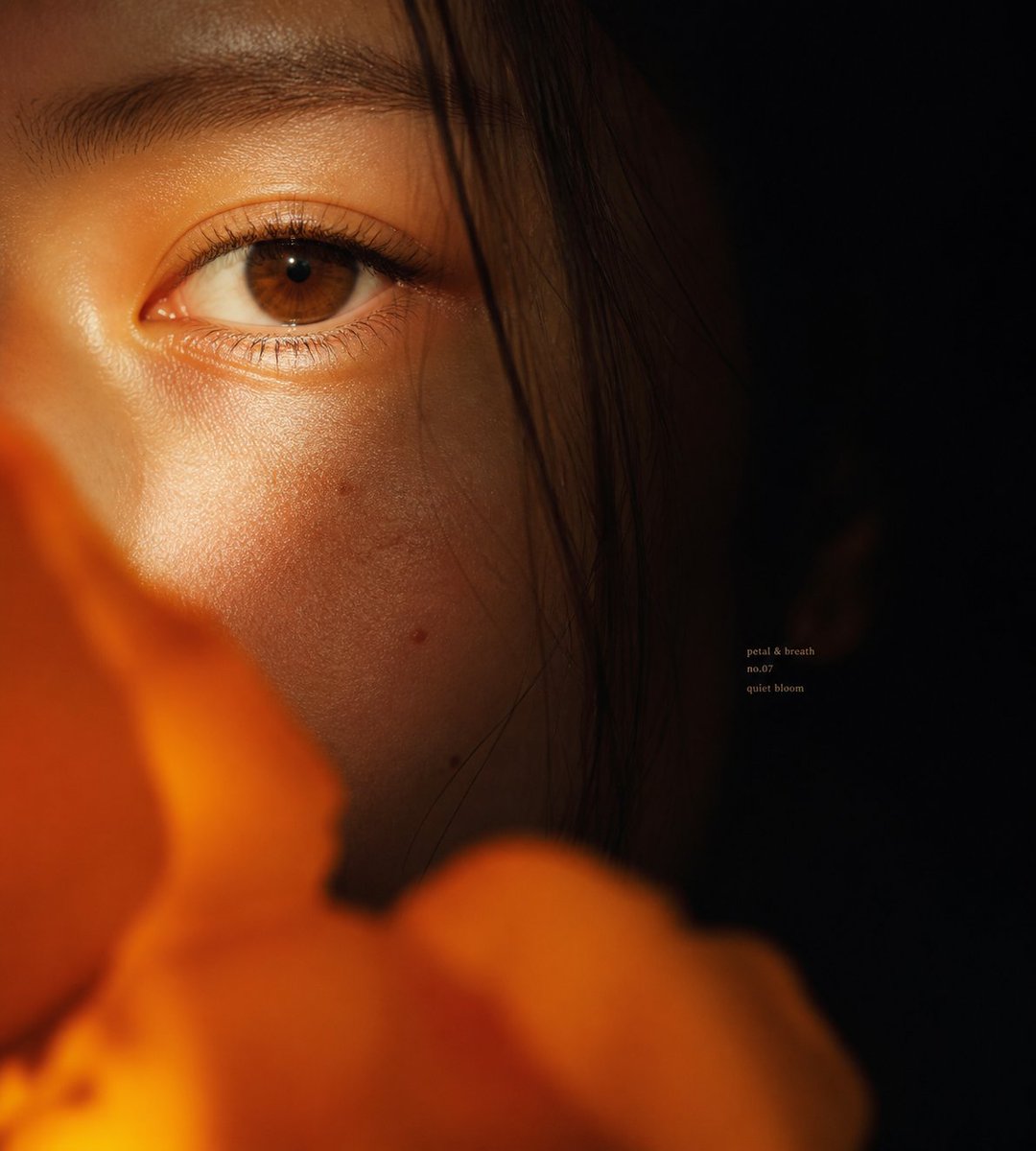 Image
ImageWrite a prompt and get thumbnails, product shots, concept art or posters, with Seedream and other image models to choose from.
Try Now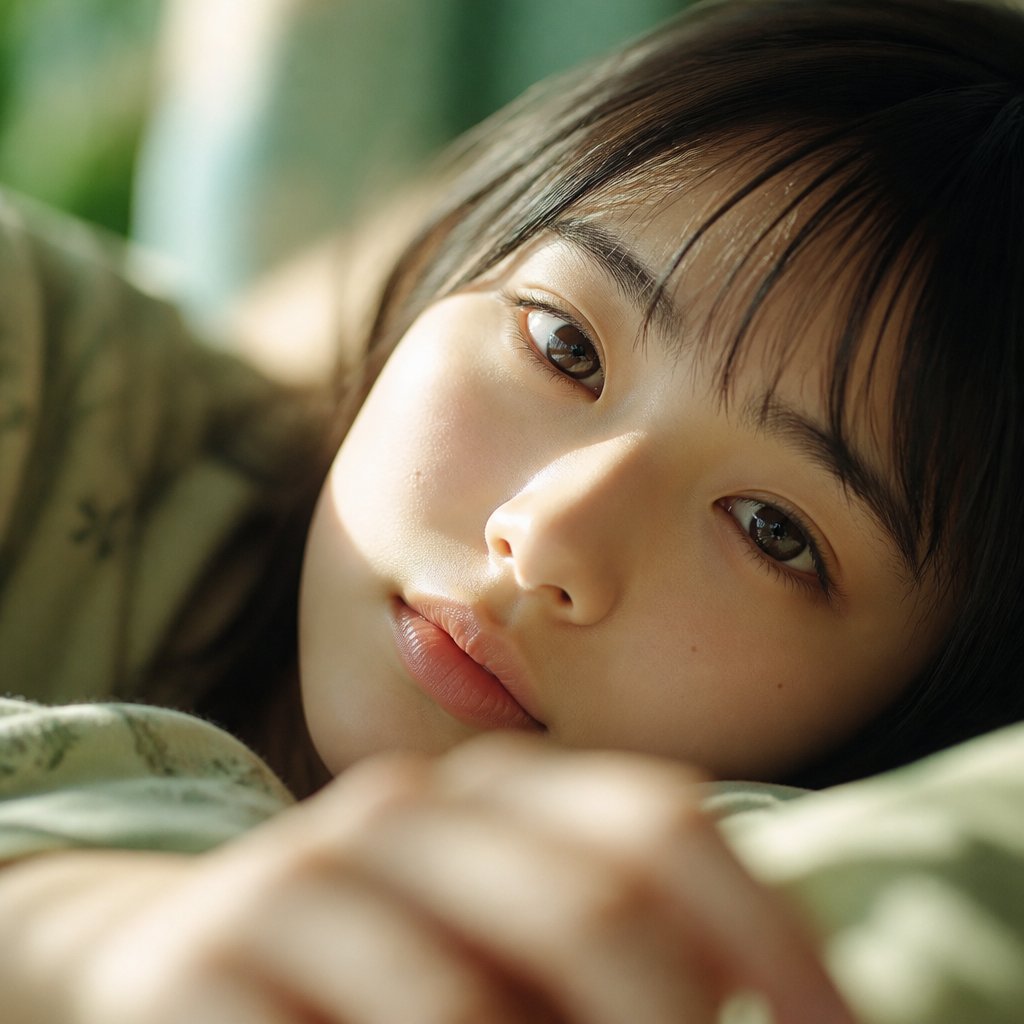 Image
ImageChange a background, remove an object or restyle a photo by telling Hushgen what to change in plain words.
Try NowDescribe the subject, style, light and composition, then choose a model such as Seedream. Hushgen returns artwork, concepts or photo-real images in seconds.
The settings that turn a description into the picture you meant.
Describe any scene, subject, or style in plain text and AI generates a high-quality image that matches your vision.
Choose from several state-of-the-art image generation models — photorealistic, artistic, or stylized — to match your project.
Generate images in a wide range of resolutions and aspect ratios — optimized for web, print, social media, and more.
Guide the visual style of your output with style presets or detailed prompt descriptions for precise creative control.
Fine-tune your generation with seed control for reproducible results and other advanced parameters.
Download your generated image in full resolution — ready for print, web, social media, or any professional use.
Describe, choose, download — three steps.
Describe the image you want to create. Include subject, style, lighting, and any specific details.
Select a model, resolution, and style. Optionally set a seed for reproducible results.
Your image is ready in seconds. Download it in full resolution and use it anywhere you need.
Thumbnails, product shots, concept art and more.
Generate hero images, banners, and ad visuals from a text brief — faster and cheaper than a photo shoot.
Create eye-catching visuals for Instagram, Twitter, LinkedIn, and more — tailored to any format or style.
Visualize ideas, characters, environments, and product concepts before committing to a full design process.
Generate custom illustrations and featured images for articles, blog posts, and editorial content.
Create product lifestyle images, background variations, and promotional visuals without a photographer.
Generate artwork, portraits, wallpapers, and creative images for personal use or as gifts.
Habits that lead to more accurate, better-looking results.
The most effective prompts combine what you want to see, the visual style, and the lighting in one description. Example: 'A cyberpunk street market at night, neon reflections on wet pavement, cinematic wide shot, photorealistic.'
Add style descriptors like 'photorealistic', 'oil painting', 'watercolor', 'anime', 'concept art', or 'studio photography' to guide the visual aesthetic of the output.
Include framing details like 'close-up portrait', 'aerial view', 'wide establishing shot', or 'macro photography' to control how the subject is framed in the image.
When you find a result you like, note the seed value. Use the same seed with small prompt variations to iterate on the look without starting from scratch each time.
Phrases like 'highly detailed', '8K resolution', 'sharp focus', 'professional photography', and 'award-winning' often improve output quality across most models.
Some models excel at photorealism, others at illustration or concept art. Run the same prompt through two or three models to find the one that best matches your vision.
Anyone who needs visuals without a camera or a design budget.
Generate custom featured images, illustrations, and visual content for articles, newsletters, and social media posts in seconds.
Create hero images, ad visuals, and campaign assets from a text brief — faster and cheaper than a photo shoot or design agency.
Visualize characters, environments, and concept art for games, novels, and creative projects without a dedicated artist.
Generate product lifestyle images, promotional banners, and background variations without hiring a photographer.
Use AI-generated images as mood board references, style explorations, and rapid concept visualizations before committing to a full design.
Create custom illustrations and visual aids for presentations, courses, and educational materials that match your exact topic.
Several image models, shared credits and an easy workflow.
Describe your image in plain English. AI understands natural language and delivers polished results.
Most images finish in seconds. Paid plans get priority in the generation queue.
Your prompts and files are processed securely and sent only to the AI model provider that generates your result. We never sell your data.
Credit-based pricing means you only pay for the images you actually generate — no monthly minimums.
Answers about generating images from prompts.
More detail generally produces better results. Describe the subject, style, lighting, color palette, and composition. For example: 'A futuristic cityscape at sunset, neon lights reflecting on wet streets, cinematic wide shot, photorealistic.' You can also use style presets to guide the output.
A wide range of resolutions and aspect ratios are available, including square (1:1), landscape (16:9), portrait (9:16), and more. The exact options depend on the model selected.
Different models excel at different styles. Some are optimized for photorealism, others for artistic or stylized output. Try a few models with the same prompt to find the one that best matches your vision.
A seed is a number that controls the randomness of the generation. Using the same seed with the same prompt and settings will produce very similar results — useful for iterating on a specific look.
Usage rights depend on the model and your subscription plan. Check the terms of service for details on commercial use of generated images.
Credit cost depends on the model and resolution selected. The required credits are shown before you generate, so there are no surprises.
Yes. Your prompts and files are processed securely and sent only to the AI model provider that generates your result. We do not sell your data or use it to train our own models. See our Privacy Policy for details.
Yes. Use the Regenerate button to generate a new image with the same prompt and settings. To reproduce a specific result, note the seed value and use it in future generations.
Paid plans include commercial usage rights and watermark-free output for everything you generate. Free plan outputs include a watermark. See our Terms of Service for details.
Stock photography gives you pre-existing images that may not match your exact needs and require licensing. AI text-to-image generates a completely unique image from your specific description — no licensing fees, no searching, and no compromising on the exact look you need.
AI image generation uses randomness (controlled by a 'seed' value) to produce varied results. This is intentional — it lets you explore different interpretations of the same prompt. To reproduce a specific result, use the same seed value.
Try adding more specific detail to your prompt, especially around style, lighting, and composition. You can also try a different model, adjust the resolution, or use a different seed. Iterating with small prompt changes is usually the fastest path to the result you want.